how to automate customer service emails using n8n for small businesses
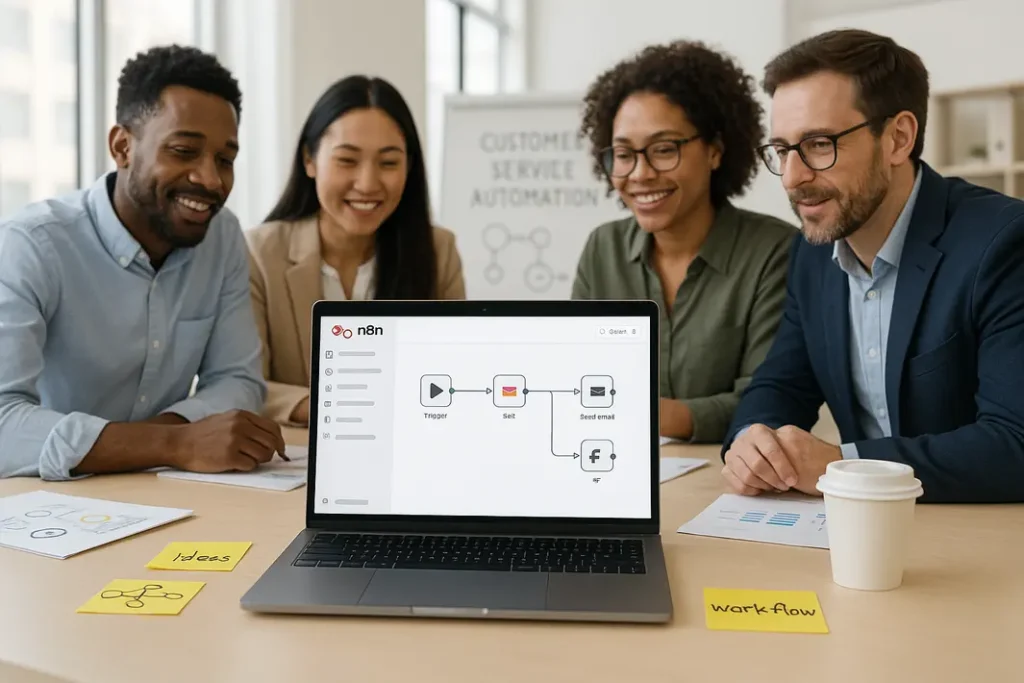
For small businesses, customer service is a crucial part of building lasting relationships and trust. However, managing a growing volume of customer emails can quickly become overwhelming as your business expands. Responding to every inquiry quickly and consistently is vital, but manual processes are time-consuming and often lead to errors or delays. Fortunately, workflow automation tools like n8n make it possible for even small businesses to streamline customer support without the need for advanced technical knowledge. This guide will walk you through the process of automating customer service emails using n8n, making your team more efficient and ensuring your customers get timely, accurate, and professional responses. Through practical steps, tips, and real-world examples, you’ll learn how to set up n8n automation for customer support that saves time and keeps service levels high.
Understanding n8n and Its Benefits for Small Business Email Automation
What Is n8n?
n8n is a powerful, open-source workflow automation tool that allows users to connect and streamline various apps and services with ease. Known for its flexibility, n8n supports over 200 integrations, enabling you to automate complex business processes without a single line of code. For small businesses, this can be a game changer, especially when resources are limited and efficiency matters.
Why Use n8n for Automating Customer Emails?
Small business email automation with n8n allows companies to manage repetitive tasks, such as responding to common customer queries, sending order confirmations, or escalating urgent requests. The customizable approach of n8n means you can design workflows that fit your unique needs, rather than relying on generic, one-size-fits-all solutions. By removing manual steps, businesses can reduce human error, speed up response times, and redirect staff to higher-value tasks.
Essential Steps to Set Up n8n for Automated Customer Service Emails
Requirements and Preparation
Before launching into n8n email workflow for businesses, make sure you have a self-hosted n8n instance set up or access to n8n.cloud, the managed online version. Additionally, ensure you have IMAP/SMTP credentials for your customer support email account and access to a knowledge base or FAQ document for templating common responses. Define common scenarios you wish to automate, such as out-of-office replies, order updates, or basic support ticket acknowledgments.
Planning Your Customer Service Email Workflow
Map out your customer email handling process. Identify triggers (like receiving an email with a specific subject), necessary actions (such as filtering spam or checking order status), and the responses to be sent. Planning ensures your automation will be reliable and scalable. Document the steps and exceptions that need manual review, such as urgent or escalated requests.
Building Your First Automated Email Workflow in n8n
Creating a Basic Email Response Workflow
To kick off your small business email automation with n8n, start with a simple scenario: automatically replying to inquiries with a receipt confirmation. In the n8n editor, begin by setting up an IMAP Email Trigger node. Configure it to monitor your support inbox for unread messages. Next, use an Email Read node to fetch the content. Add a Set node to extract the sender’s address and relevant details from their email.
Configuring the Response Template and Automation
Now, insert an Email Send node. Draft a template message—like “Thank you for reaching out. We have received your request and will respond shortly.” Link this node so every incoming email receives an automatic, pre-defined reply. This setup ensures customers are acknowledged even outside working hours, a vital feature for n8n automation for customer support.
Advanced Customer Email Automation Tips with n8n
Filtering and Categorizing Support Requests
One of the most powerful customer email automation tips n8n offers is the ability to intelligently categorize and filter incoming requests. Use a If node to analyze the subject or body for keywords, such as “refund,” “shipping,” or “billing.” Depending on the analysis, branch your workflow: assign billing issues to your accountant, send standard queries a templated FAQ reply, or escalate urgent matters based on specific keywords or phrases.
Integrating with Third-Party Tools
For businesses using helpdesk platforms (like Zendesk, Freshdesk, or even spreadsheets), n8n allows seamless integration via its vast library of built-in connectors. You can build a workflow where emails marked as “urgent” can be logged as tickets in your helpdesk system. Similarly, connect to CRM tools to automatically update customer records or trigger follow-ups as required, all from within your n8n tutorial email automation.
Maintaining and Improving Your n8n Email Workflows
Monitoring and Error Handling
Automation is only as effective as its reliability. n8n’s built-in Error Trigger node can alert you if a workflow fails or if a message cannot be delivered. Set up notifications to your own inbox or a business communication channel for prompt awareness and manual intervention when needed. Regularly monitor workflow execution logs and adjust filters and templates as your business evolves or as new types of queries arise.
Updating Templates and Expanding Automation
As your business, product, or service evolves, revisit and update your email templates. Regularly incorporate real customer feedback and the most frequently-asked questions into your workflow logic. Periodically review automation efficacy: Are response rates improving? Are satisfied customers returning? Expanding your n8n email workflow for businesses may include handling returns, sending satisfaction surveys, or personalizing messages based on customer data.
Summary
Automating customer service emails using n8n enables small businesses to offer prompt, consistent support while keeping operational overhead low. By mapping out your processes, building robust workflows, and leveraging integrations, you can save time, reduce error, and keep customers satisfied. With n8n’s flexibility, you can expand your automation as your business grows, adapting to new challenges and opportunities. Remember, automation is not only about speed—it’s also about delivering a reliable and positive experience that helps your business stand out. By following the strategies and examples covered in this guide, small businesses can confidently embrace small business email automation with n8n to meet today’s customer service expectations.
FAQ
How difficult is it for non-technical users to automate customer service emails with n8n?
n8n is designed with a user-friendly, no-code interface that empowers non-technical users to build workflows visually. While some basic understanding of email systems helps, most small business owners can learn the essentials quickly with available tutorials and documentation.
Can n8n handle attachments or complex email threads?
Yes, n8n’s email nodes can receive and manage attachments, extract them from emails, and process them as needed. Handling complex threads may require additional workflow logic, but n8n supports tracking and responding within ongoing conversations if properly configured.
What are common pitfalls to avoid when automating customer support emails?
Avoid overly generic responses that don’t address customer needs, and regularly review workflow audits for missed messages or errors. Always provide clear options for customers to connect with a human agent when automation can’t resolve their issue.
Is it possible to personalize automated responses in n8n?
Absolutely. With n8n, you can dynamically insert customer names, order numbers, and context-specific information into automated replies. Personalization can be improved over time by connecting n8n to CRMs or customer databases.
How secure is n8n for automating customer email workflows?
Security depends on your hosting and email provider setup. Always use secure authentication, restrict workflow access, and regularly update n8n to patch vulnerabilities. When handling sensitive data, ensure compliance with data protection regulations relevant to your business.