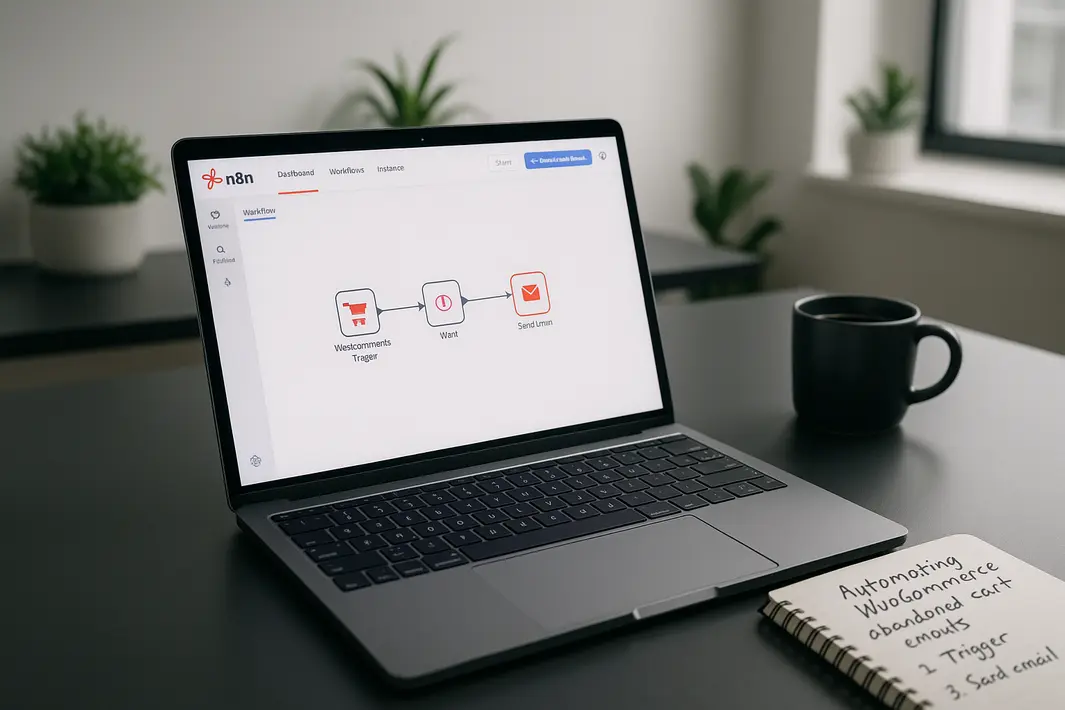
how to use n8n for automating WooCommerce abandoned cart emails
Abandoned carts remain one of the biggest challenges for eCommerce businesses, including those using WooCommerce. Each abandoned cart represents potential lost revenue and missed opportunities. While there are several plugins and manual methods to recover these carts, automating the process can significantly boost effectiveness and save time. n8n, a powerful and open-source workflow automation tool, offers deep integration capabilities with WooCommerce and makes it possible to create sophisticated cart recovery systems without extensive coding. In this guide, you’ll learn how to use n8n for automating WooCommerce abandoned cart emails, from connecting your WooCommerce store to n8n to sending personalized recovery emails that encourage customers to complete their purchases. Automating this crucial step not only increases your recovery rate but also allows your team to focus on high-impact activities that foster business growth.
Understanding the Workflow for Abandoned Cart Recovery
To successfully automate abandoned cart emails with n8n and WooCommerce, it’s essential to understand the entire cart recovery workflow. Each stage of the process must be clearly defined so you can configure the correct triggers, conditions, and actions in your automation.
Mapping the Automation Steps
- Cart Monitoring: Identify when a customer abandons their cart by monitoring checkout activity or cart updates within WooCommerce.
- Delay Detection: Implement logic to ensure a cart is truly abandoned, such as setting a minimum delay since the user last interacted with it.
- Email Capture: Retrieve the customer’s email address, usually collected during the checkout process or via registration.
- Email Template: Craft a compelling and personalized email message that reminds customers of their abandoned cart.
- Send Email: Automate the sending of this email via your preferred email service, integrating it seamlessly into the workflow.
Recognizing these stages allows you to setup n8n for WooCommerce cart recovery emails that operate efficiently and match your brand’s communication strategy.
Connecting n8n to WooCommerce
Before starting to use n8n to automate WooCommerce cart emails, you need to establish a reliable connection between your WooCommerce store and n8n. This forms the backbone of your automation, enabling real-time data exchange and process orchestration.
Using the WooCommerce REST API
WooCommerce provides a robust REST API to interact with orders, customers, and carts. To integrate n8n with WooCommerce for cart emails, follow these steps:
- Go to your WordPress dashboard, open WooCommerce settings, and navigate to the API section.
- Generate API keys with the necessary read access to orders and customers.
- In n8n, add a WooCommerce node and input the credentials, including the base URL, consumer key, and secret.
- Test the connection to ensure n8n has access to the data required for abandoned cart detection and recovery.
Configuring this connection is the first practical step to configure n8n automation for WooCommerce carts and unlock seamless workflow creation capabilities.
Detecting Abandoned Carts in WooCommerce
The most critical stage of abandoned cart automation is determining when a cart should be considered abandoned. WooCommerce does not mark abandoned carts by default, so your automation must incorporate logic to infer abandoned status.
Implementing Cart Abandonment Logic in n8n
- Monitor for Checkout Activity: Use triggers to watch for incomplete checkouts, such as orders with a ‘pending’ status or carts left untouched after a set period (e.g., 1 hour).
- Filter Out Completed Orders: Ensure your workflow excludes customers who have already completed their purchase.
- Extract Customer Information: Parse user data from the retrieved cart or order, focusing on obtaining a valid email address and the items left behind.
- Scheduling Checks: Use n8n’s time-based triggers (like Cron, Interval, or specific schedule nodes) to periodically check for newly abandoned carts and initiate the email recovery process.
Employing this strategy, you can automate WooCommerce abandoned cart n8n workflows that are both timely and non-intrusive for your customers.
Crafting and Sending Automated Abandoned Cart Emails
Once n8n identifies an abandoned cart and gathers the necessary data, the next step is constructing and sending a personalized recovery email. Effective email content combined with automation can increase the chances of cart recovery significantly.
Personalization and Email Delivery in n8n
- Email Templates: Design an engaging HTML or plain-text email using n8n’s built-in nodes to customize the subject line, message body, and dynamic data placeholders such as customer name and cart items.
- Connecting to Email Providers: Use n8n’s Email node or integrated services (SMTP, Gmail, SendGrid, Mailgun, etc.) to connect with your preferred email provider. This step ensures reliable delivery and tracking.
- Tracking and Logging: Optionally, add steps in your workflow to log sent emails and monitor the effectiveness of your n8n WooCommerce cart email automation by capturing open, click, and conversion rates.
With this level of automation, you not only streamline your cart recovery process but also have the flexibility to A/B test different messages and refine your strategy for even higher recovery rates.
Advanced Workflow Options and Customization
Automating abandoned cart emails with n8n opens the door to extensive customization. As your business grows, you might want to enhance your workflows to target specific customer segments or integrate with other platforms for maximum flexibility.
Expanding Automation Beyond Basic Recovery
- Multi-Step Email Sequences: Trigger follow-up emails at different intervals (e.g., 1 hour, 24 hours, 3 days) with varied messages or incentives.
- Segmentation: Use customer data such as purchase history or cart value to send tailored messages, discounts, or exclusive offers to different audience segments.
- Integrate with CRM and Analytics: Connect your n8n workflows to CRM systems or analytics platforms to sync customer touchpoints and measure campaign effectiveness.
- Handle Coupon Codes Automatically: Dynamically generate and insert individual coupon codes into your abandoned cart emails through the WooCommerce API and n8n’s scripting ability.
By leveraging these features, you can setup n8n for WooCommerce cart recovery emails that outpace standard plugins in flexibility and precision, giving your store a competitive edge.
Common Troubleshooting and Best Practices
Ensuring that your n8n WooCommerce automation works smoothly can sometimes present challenges, particularly with integration points, data accuracy, and email deliverability. Understanding typical issues and adhering to best practices can help you avoid common pitfalls.
Maintaining Reliable Automations
- Test Thoroughly: Before making your workflow live, simulate several abandoned cart scenarios using test users and orders to confirm each step is operational and data flows correctly.
- Monitor Workflow Performance: Regularly review logs within n8n and consider setting up notification nodes in case workflows fail, so you can take swift action.
- Comply with Email Regulations: Ensure your messaging meets anti-spam laws, includes opt-out options, and is aligned with privacy standards for customer data.
- Keep API Integrations Updated: Stay informed of updates to the WooCommerce API and your email provider’s service to keep your connections secure and efficient.
Following these guidelines will support a robust and reliable implementation of WooCommerce n8n automation abandoned cart workflows that help maximize cart recovery outcomes over time.
Summary
Automating WooCommerce abandoned cart emails using n8n can have a significant impact on your store’s bottom line. With an effective workflow, you can identify abandoned carts, personalize outreach, and deliver reminders in a timely, strategic manner—all without manual oversight. This guide has covered the key steps: mapping your abandonment workflow, connecting n8n to WooCommerce, detecting abandoned carts, sending automated emails, and leveraging advanced customization options. By adopting these automation strategies, WooCommerce store owners can improve cart recovery rates, enhance customer experience, and free up valuable resources for growth-focused initiatives. Proper planning, regular monitoring, and continuous optimization form the basis of long-term success in automated cart recovery.
FAQ
How do I connect WooCommerce to n8n for cart recovery?
To connect WooCommerce to n8n, you’ll need to use the WooCommerce REST API. Generate API keys from your WooCommerce admin panel and input them into the WooCommerce node in n8n. This lets your workflows access customer and order data for automation purposes.
What kind of triggers should I use to detect abandoned carts?
Common triggers include checking for orders with pending status, monitoring incomplete checkout sessions, or scheduling periodic checks for carts left inactive for a defined period. Use time-based triggers or Webhooks to capture real-time or batch abandoned cart data.
Can I send multiple follow-up emails using n8n?
Yes, with n8n you can design workflows that send several follow-up emails at different intervals. This allows you to create multi-step recovery sequences, increasing the chances of converting abandoned carts into completed sales.
Do I need coding knowledge to set up WooCommerce abandoned cart automation with n8n?
Basic workflows can be built using n8n’s visual interface with minimal coding. However, for advanced logic, data processing, or integrating with multiple services, some familiarity with JavaScript or n8n’s Expression Language may be helpful.
How do I ensure that my n8n abandoned cart emails are not marked as spam?
To maximize deliverability, use authenticated email services, maintain a clean email list, personalize messages, and include an easy option to unsubscribe. Monitoring spam reports and complying with email regulations will help keep your campaigns out of spam folders.